AISS now runs on Android too — instantly summarizing PDF and Word (DOCX) documents right from your phone, with nothing ever uploaded to a third-party server. It uses your own free Gemini API key (plus optional Groq as an instant backup), so there's no subscription fee.
Then type the following address in the address bar: app.aisidesummarizer.com
In the top-right corner of Chrome, next to the address bar.
(or "Install app" if that's what appears — both do the same thing).
On the confirmation prompt that appears.
The My AI Side Summarizer icon will appear on your home screen or app drawer, ready to open anytime like any other app.
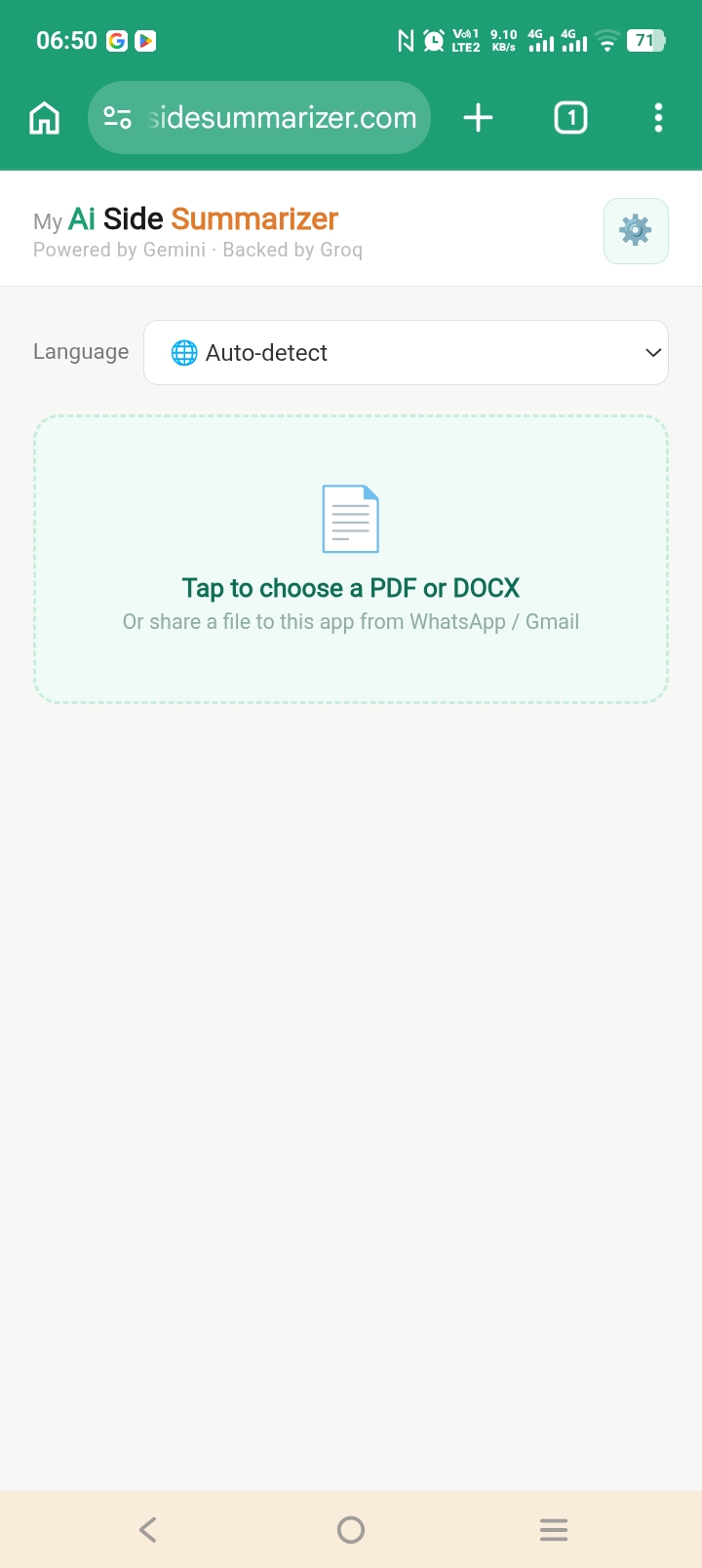
This is completely free and doesn't go through the Play Store — the app installs directly from your browser (this is called a Progressive Web App).
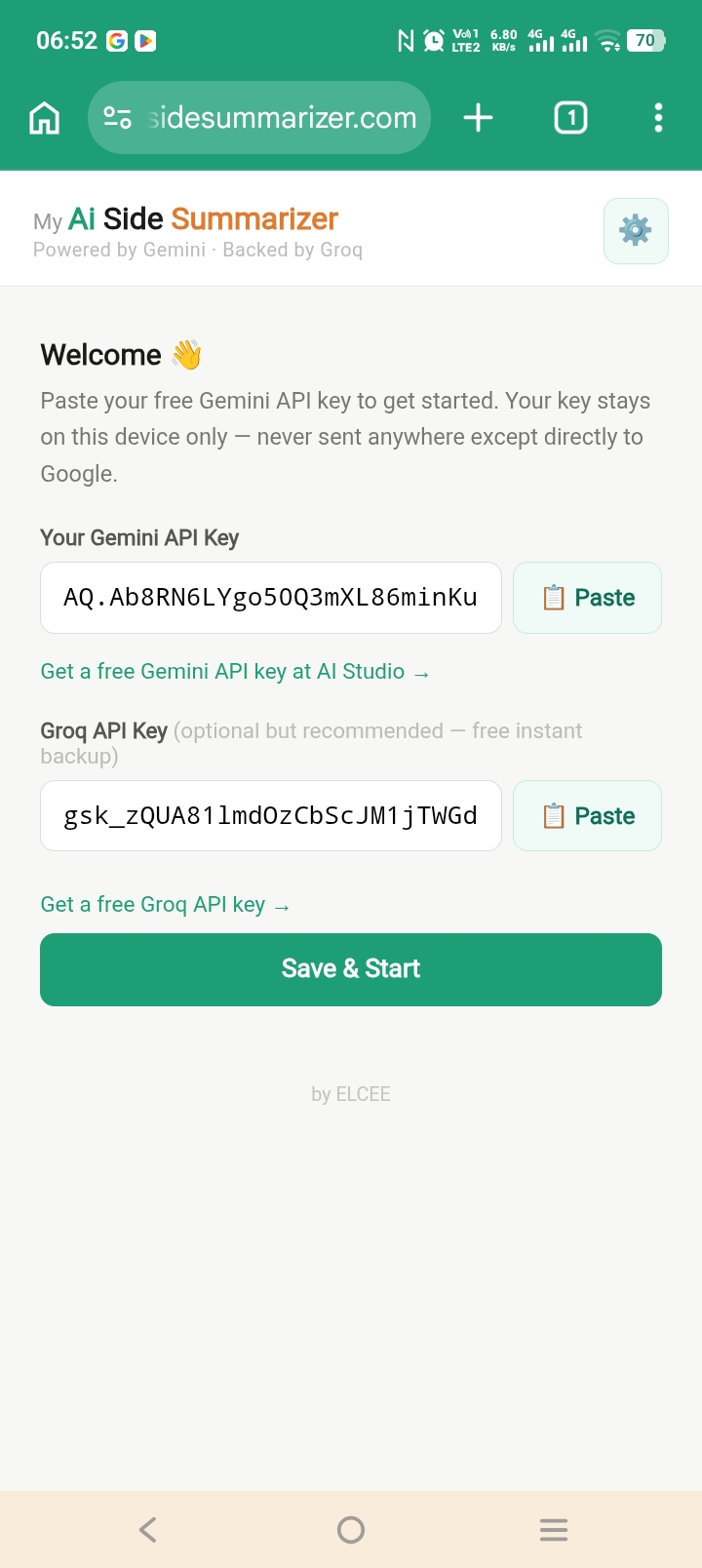
The first time you open the app, it will ask for a Gemini API key — this is what powers the AI, and it's entirely free from Google.
Inside the app. You'll be taken to Google's official AI Studio site.
Then tap "Create API Key". Your key is generated and copied automatically.
Then tap the "📋 Paste" button next to the Gemini API Key field — the key you just copied will fill in automatically.
Via the "Get a free Groq API key" link — Groq automatically steps in as a backup whenever Gemini is busy or has hit its daily limit.
The app is now ready to use.
There are two ways to use the app — pick whichever is more convenient.
Either way, you get a clean breakdown with an overview and clearly organized key points — and it works in whatever language you need:
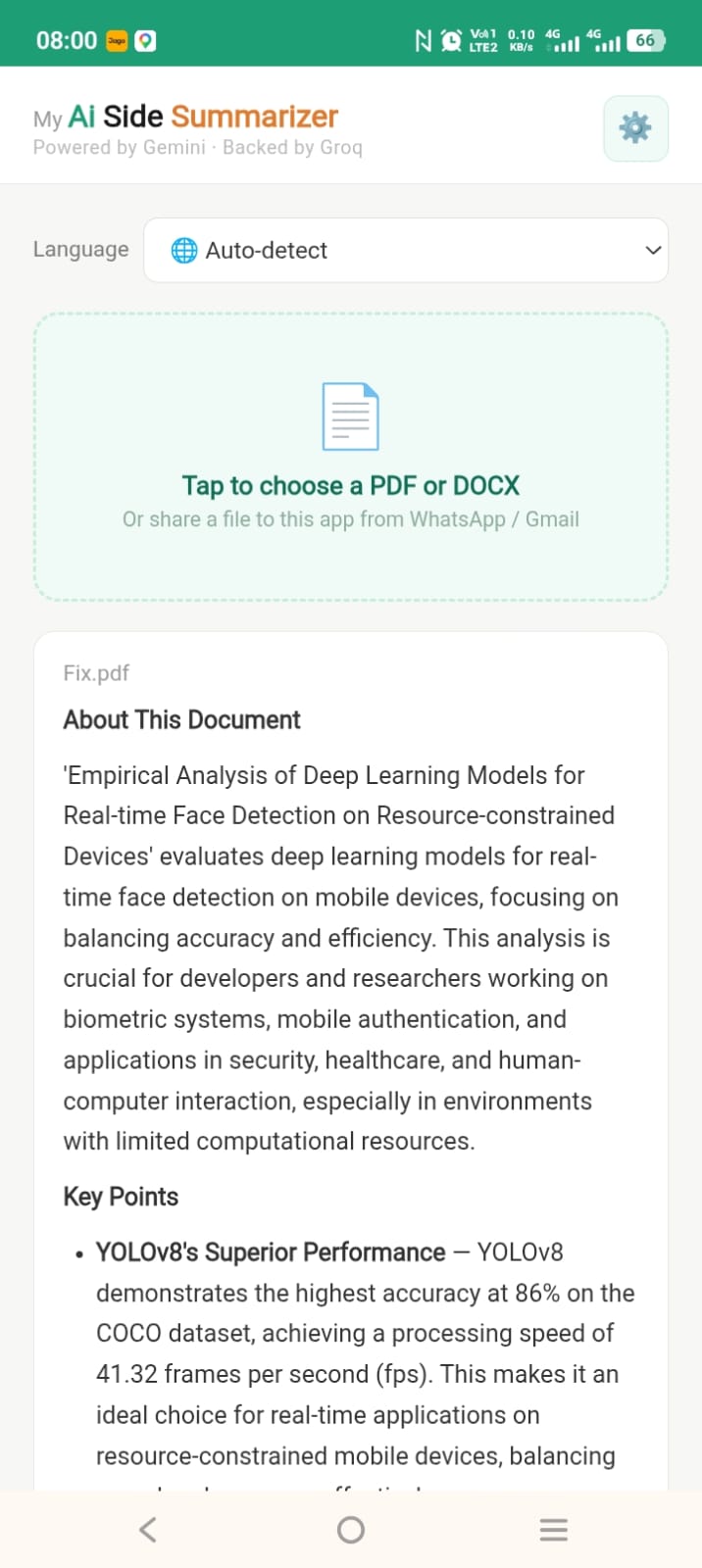
A PDF summarized in English, with an overview and key points.
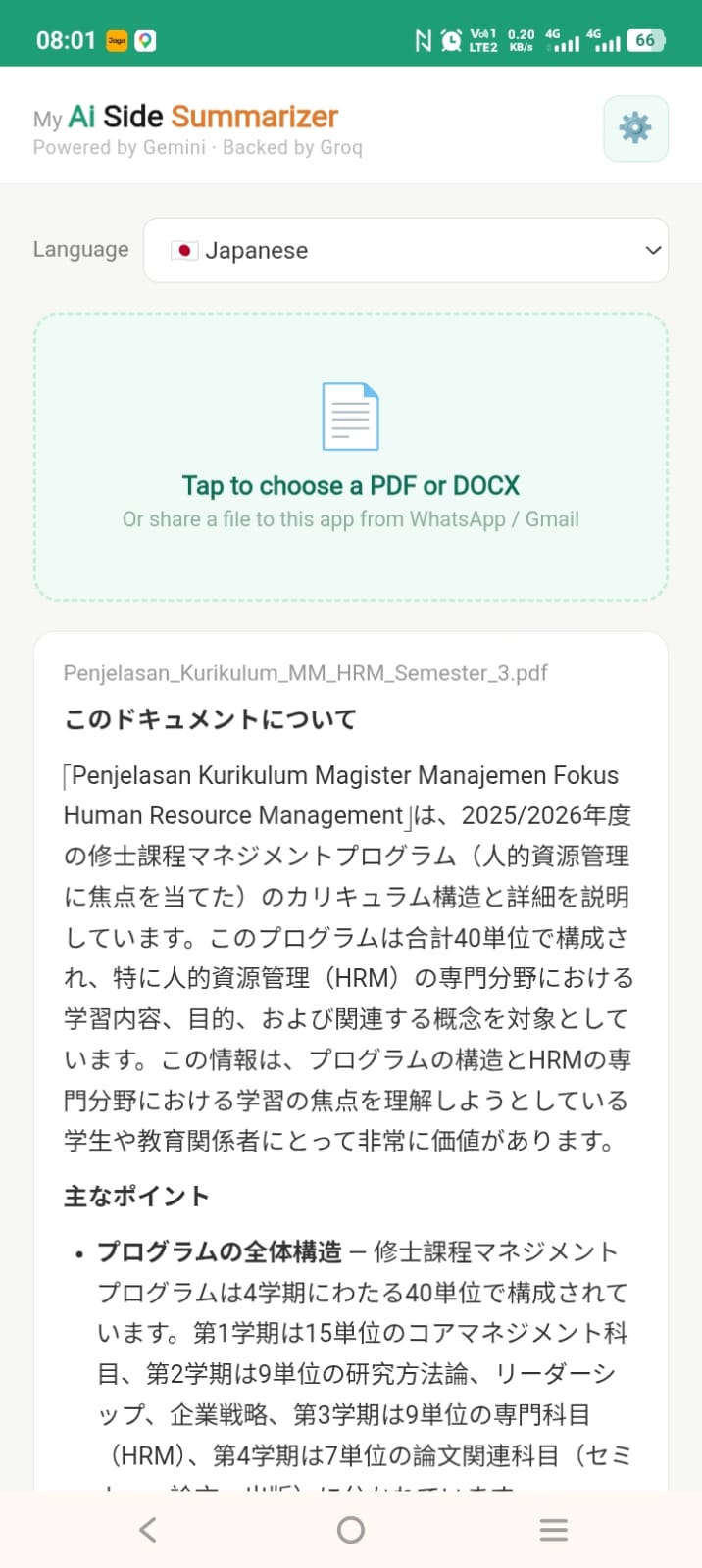
Same app, different document — summarized in Japanese by switching the Language selector.
No download link to tap — just visit the address above in Chrome and follow Step 1 above.
Click anywhere, or press the ✕, to close